> For the complete documentation index, see [llms.txt](https://docs.ixhello.com/llms.txt). Markdown versions of documentation pages are available by appending `.md` to page URLs; this page is available as [Markdown](https://docs.ixhello.com/ixhc2/agentic-interface-to-user-documentation.md).
# Agentic Interface to User Documentation
## Overview
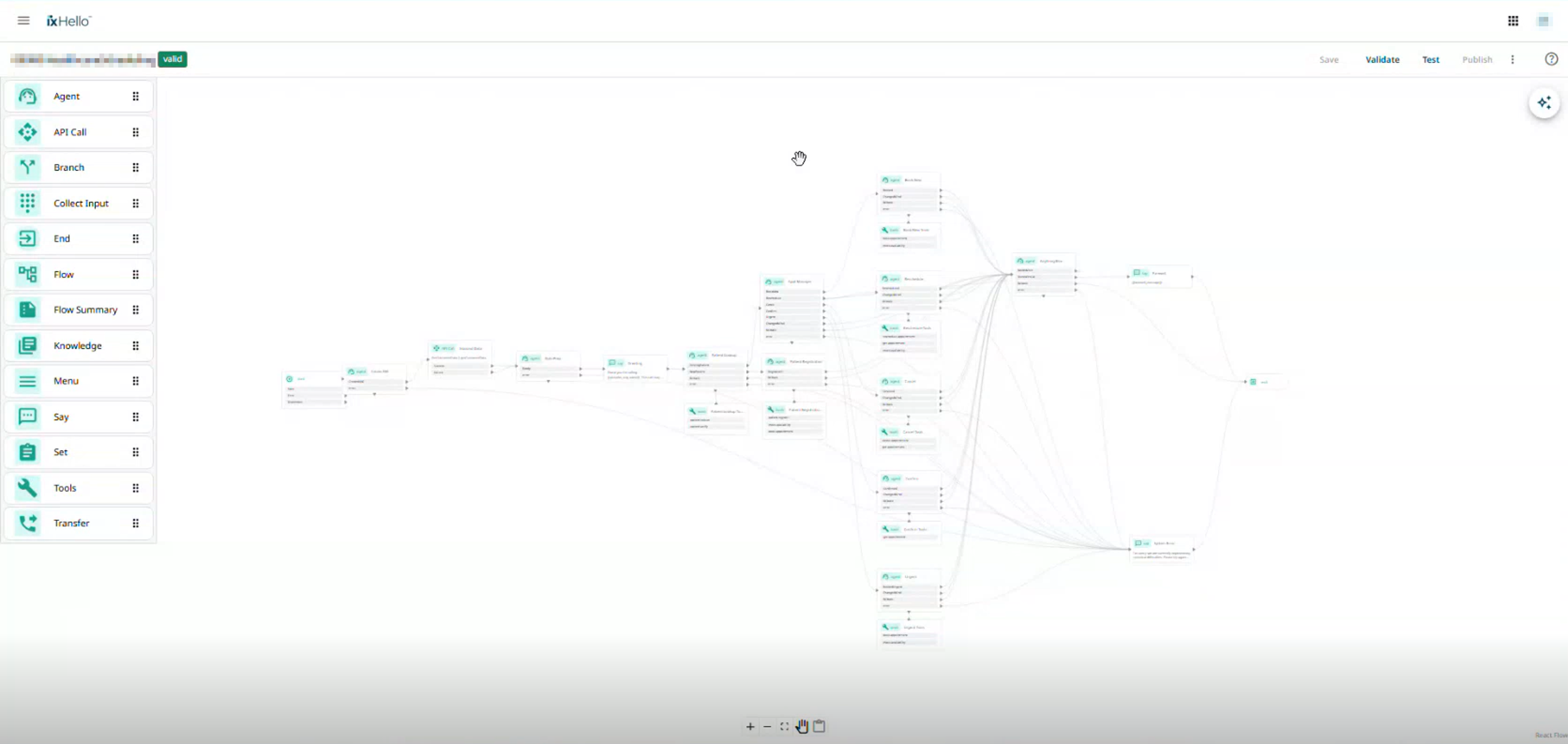
The Agentic User Documentation Assistant is an AI-powered documentation assistant integrated directly into the iX Hello Customer v2 Flow Designer. It enables flow builders to ask natural-language questions about the platform and receive documentation-grounded answers without leaving the design workspace.
The assistant retrieves information from the published iX Hello Customer documentation and provides responses along with citations and direct links to the source documentation, allowing users to verify the information and explore topics in greater detail.
Unlike traditional documentation search experiences, users can interact conversationally and receive contextual guidance, step-by-step instructions, and explanations tailored to their questions.
***
## Business Value
### Faster Time-to-Productivity
* New users can ask questions directly within Flow Designer.
* Reduces the need to manually search through documentation.
* Accelerates onboarding and learning.
#### Example Questions
* How do I configure a Knowledge Node?
* How do Branch Nodes work?
* How do I map flow variables?
* How do System Flows work?
***
### Reduced Support and Onboarding Effort
* Common documentation questions can be answered instantly.
* Lowers dependency on support and product teams.
* Reduces repetitive documentation-related tickets.
***
### Improved Feature Adoption
* Builders discover platform capabilities while working.
* New and advanced features become easier to understand.
* Encourages exploration of platform functionality.
***
### Platform Validation
The assistant demonstrates real-world usage of:
* System Flows
* Unified RAG
* Knowledge Management
* AI-Powered Retrieval
The feature showcases how platform capabilities can solve real customer-facing problems.
***
### Lower Operational Cost
The solution leverages existing platform components:
* System Flows
* Unified RAG
* Knowledge Infrastructure
* Existing Authentication Framework
This eliminates the need to build and maintain a separate AI documentation service.
***
### Faster Platform Improvements
Platform teams can:
* Refine prompts
* Improve retrieval behavior
* Update models
* Improve answer formatting
without requiring Flow Designer UI changes.
***
## Key Features
### In-Product AI Documentation Chat
The documentation assistant is available directly within Flow Designer.
Users can:
* Ask questions in natural language.
* Receive concise or detailed answers.
* Continue conversations with follow-up questions.
* Learn without switching applications.
***
### Documentation-Grounded Responses
The assistant does not generate answers from general AI knowledge alone.
Responses are generated using:
* Published user documentation
* Product guides
* Feature references
* Configuration instructions
This ensures answers remain relevant and aligned with the platform.
***
### Source Citations and Documentation Links
Every response includes links to the original documentation source.
Benefits:
* Allows users to verify responses.
* Reduces concerns about AI hallucinations.
* Provides easy access to detailed documentation.
#### Example
A user asks: How do I configure a Knowledge Node?
The assistant returns:
* Step-by-step instructions
* Related documentation references
* Links to the original documentation pages
Users can immediately open the corresponding documentation page for additional information.
***
### Conversational Learning Experience
The assistant supports follow-up questions.
Example:
#### User
How do I add a Knowledge Base to a flow?
#### Assistant
Provides the process and relevant documentation references.
#### User
What document types are supported?
#### Assistant
Provides supported file formats and links to the relevant documentation.
This creates a guided learning experience instead of requiring repeated searches.
***
## User Experience
### Accessing the Assistant
1. Open Flow Designer.
2. Open a flow or create a new flow.
3. Locate the AI Documentation Assistant panel.
4. Begin typing questions in natural language.
***
### Sample User Journey
#### Scenario 1: Learning About Branch Nodes
A builder wants to understand how branching works.
**User Question**
```
I need information about Branching.
```
**Assistant Response**
The assistant:
* Searches platform documentation.
* Retrieves relevant content.
* Explains Branch Nodes.
* Provides documentation citations.
***
#### Scenario 2: Adding a Knowledge Base
**User Question**
```
How do I add a Knowledge Base to a flow?
```
**Assistant Response**
The assistant provides:
* Configuration steps
* Node requirements
* Supported settings
* Documentation links
***
#### Scenario 3: Supported Document Types
**User Question**
```
What document types can I use?
```
**Assistant Response**
The assistant provides:
* Supported file types
* Upload requirements
* Knowledge ingestion guidance
* References to source documentation
***
## Architecture Overview
The Agentic Documentation Assistant is built entirely using existing platform services.
### Core Components
#### 1. Flow Designer UI
Provides:
* Chat interface
* Conversation display
* Citation links
* Follow-up interaction
***
#### 2. Docs Assistant System Flow
A dedicated System Flow called: **docs-assistant** handles all documentation interactions.
The System Flow receives:
* User question
* Conversation history
* Platform context
and orchestrates the retrieval process.
***
#### 3. Unified RAG
The assistant uses Unified RAG for knowledge retrieval.
Responsibilities include:
* Document retrieval
* Semantic search
* Context ranking
* Relevant content selection
***
#### 4. Knowledge Repository
Documentation is stored within a dedicated knowledge tenant:
**platform-docs-flow-designer**
This tenant contains indexed platform documentation used exclusively by the assistant.
***
## Documentation Content Pipeline
### Source of Documentation
Documentation is authored in: **Git-Book** and synchronized to: **Git-Hub** through **Git Sync**.
***
### Automated Content Updates
Whenever documentation changes:
1. Content is updated in GitBook.
2. Changes sync to GitHub.
3. The automation workflow detects modified files.
4. Updated content is retrained in Unified RAG.
5. Deleted content is removed automatically.
This ensures responses always use current documentation.
***
### Documentation Maintenance
Documentation maintainers:
1. Update documentation in GitBook.
2. Sync changes to GitHub.
3. Automated workflows detect changes.
4. Updated content is re-indexed.
5. The assistant begins using the latest content.
No manual retraining is required.
***
### Platform Engineering
Platform engineers can update:
* Prompts
* Retrieval logic
* Models
* Formatting instructions
* Response behavior
Changes are deployed through standard platform pipelines and become immediately available.
***
## Security and Access Control
### Existing Authentication
The assistant uses the same authentication model as Flow Designer.
Authentication is enforced through:
* CIAM
* JWT-based access control
No additional login is required.
***
### Platform Context Awareness
Each request automatically includes:
* Organization ID
* Flow ID
* User ID
* Environment Information
This improves:
* Observability
* Traceability
* Diagnostics
while maintaining existing security controls.
***
## Error Handling and Edge Cases
### No Matching Documentation
If relevant content cannot be found:
**Response**
I couldn't find relevant documentation for your question.
The assistant does not fabricate answers.
***
### Documentation Service Unavailable
If retrieval services are temporarily unavailable:
**Response**
Documentation service temporarily unavailable. Please try again in a moment.
***
### Request Timeout
When retrieval exceeds the allowed response duration:
**Response**
The request timed out. Please try again or rephrase the question.
***
### Missing Documentation Tenant
If the documentation tenant is unavailable:
* The assistant fails gracefully.
* An operational alert is generated for investigation.
***
### Protection Against Prompt Injection
The assistant only accesses approved documentation content.
It has:
* No access to credentials
* No access to unrelated tenants
* No access to administrative secrets
This limits risk and ensures answers remain documentation focused.
***
## Benefits for Documentation Teams
Documentation authors benefit because:
* Existing documentation becomes more discoverable.
* Users interact directly with published content.
* Documentation quality improvements immediately benefit the assistant.
* A single source of truth is maintained.
The assistant effectively transforms product documentation into an interactive knowledge experience.
***
## Summary
The Agentic User Documentation Assistant brings a powerful AI-driven documentation experience directly into the iX Hello Customer VNext Flow Designer. By combining System Flows, Unified RAG, and an automated GitBook-to-GitHub documentation pipeline, the assistant enables builders to obtain accurate, documentation-grounded answers without leaving the product.
The inclusion of citations and direct links to source documentation ensures transparency, reduces hallucinations, and allows users to verify information independently. This results in faster onboarding, improved feature adoption, reduced support dependency, and a more efficient flow-building experience across the platform.
---
# Agent Instructions
This documentation is published with GitBook. GitBook is the documentation platform designed so that both humans and AI agents can read, navigate, and reason over technical content effectively. Learn more at gitbook.com.
## Querying This Documentation
If you need additional information that is not directly available in this page, you can query the documentation by asking a question.
Perform an HTTP GET request on the following URL with the `ask` and `goal` query parameters:
```
GET https://docs.ixhello.com/ixhc2/agentic-interface-to-user-documentation.md?ask=&goal=
```
`ask` is the immediate question: it should be specific, self-contained, and written in natural language.
`goal` is what the user is ultimately trying to achieve, the reason they need the answer. Sharing it helps GitBook give you a better, more relevant answer. A goal is most helpful when it describes the outcome the user wants rather than restating the question. For example, with `ask=how do I create an API token`, a goal like `automate deployments from our CI pipeline` lets GitBook tailor the answer to that use case.
The response will contain a direct answer to the question and relevant excerpts and sources from the documentation.
Use this mechanism when the answer is not explicitly present in the current page, you need clarification or additional context, or you want to retrieve related documentation sections.